
How do I subscribe to the Announcements RSS feed as an instructor?
Open Announcements
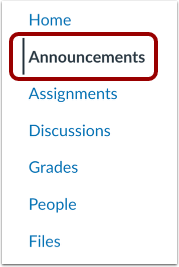
In Course Navigation, click the Announcements link.
Open External Feeds

Click the External Feeds link.
Open RSS Feed
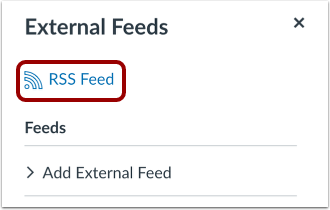
Click the RSS Feed link.
Notes:
- If you use a Firefox browser to access Canvas, you can add a Live Bookmark from this screen.
- If you use a Safari browser to access Canvas, Safari automatically creates a RSS feed for you from this screen.
Copy URL
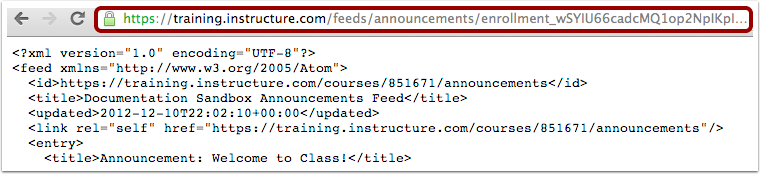
Copy the URL in your browser's address bar. Then open your preferred RSS feed reader and paste the copied URL in the text box.
Infomation presented in this guide is from The Instructure Community Product Resources.