
Student Web Advising PIN Form
Student Web Login Page (MyInfo)
Student login procedures remain the same.
- Login to Secure Area
- Enter Student ID:
- Enter PIN:(birth date MMDDYY) unless changed
- Verify PIN:re-enter PIN
Select: Student Services and Financial Aid
Select: Registration
Select: Term
Select: Add/Drop Classes
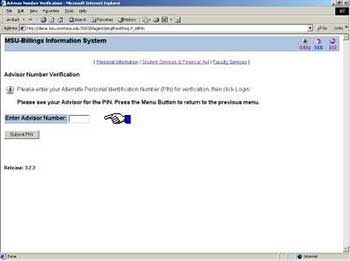
Student with an assigned Advising PIN - this form appears:
- Enter Advisor Number :Enter 6 digit PIN provided to student by Advisor i.e. (540000)
- Press Submit PIN